Robot Arm
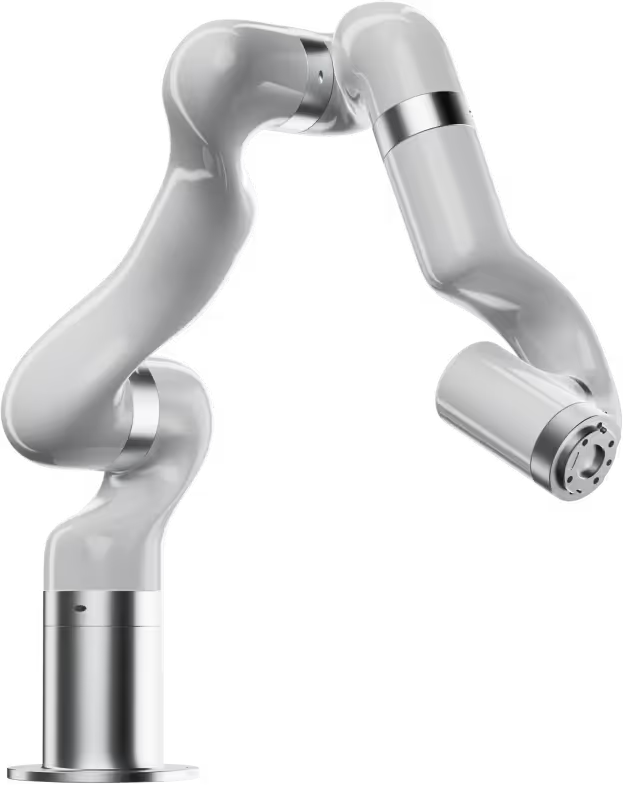 Hardware: UFactory 850 — an xArm variant
SiLA server source: genericroboticarm
Docker service: robot_arm (port 50054)
Hardware setup
The UFactory 850 is a 6-DOF collaborative robot arm used to move microtiter plates between positions on the platform (shakers, hotel, scanner, plate reader). It connects to the lab PC over Ethernet.
Default IP address: 192.168.1.202
Running the SiLA server
The robot arm runs as a Docker service. Start it with:
docker compose up robot-arm
To connect to the real arm, set ROBOT_IP in a .env file in the project root:
ROBOT_IP=192.168.1.202
If ROBOT_IP is unset, the server starts in simulation mode — all move commands are accepted but nothing physically happens.
A web interface for the arm is available at http://localhost:8055 when the service is running.
Configuration
| Environment variable | Default | Description |
|---|---|---|
PORT |
50054 |
SiLA2 server port |
HOST |
0.0.0.0 |
Bind address |
ROBOT_IP |
(unset) | IP address of the physical arm. If unset, runs in simulation mode. |
ROBOT_ARGS |
(empty) | Extra flags passed to the server entrypoint |
VU-lab customization
The genericroboticarm package provides a generic XArmImplementation. The VU-lab subclasses it in src/openlab_vu/robot_arm/vu_lab/xarm_impl.py:
class VULabArm(XArmImplementation):
    @classmethod
    def get_name(cls) -> str:
        return "VULabArm"

    def site_to_position_identifier(self, device: str, slot: int) -> str:
        if slot > 0:
            return f"{device}_{slot}"
        else:
            return device
get_name()sets the SiLA server name to"VULabArm"— this must match the value insila_server_nameinworker_adaption.py.site_to_position_identifier()maps a(device, slot)pair to a node label in the position graph. Single-slot devices use just the device name (e.g.shaker_1_d_pos_1); multi-slot devices append the slot number (e.g.hotel_1_d_pos_3).
Position graph
The arm's reachable positions are defined in src/openlab_vu/robot_arm/new_graphs/position_graph_VULabArm.gml. This file is mounted into the container at runtime. Each node in the graph corresponds to a named position on the platform; edges define valid move paths between them.
See Lab Configuration — Position graph for details on the graph format and how to add new positions.